
How to Stream GTA 6 on Twitch: The Complete PS5, PS5 Pro, Xbox Series X & Series S Guide
By James Park · · 11 min read
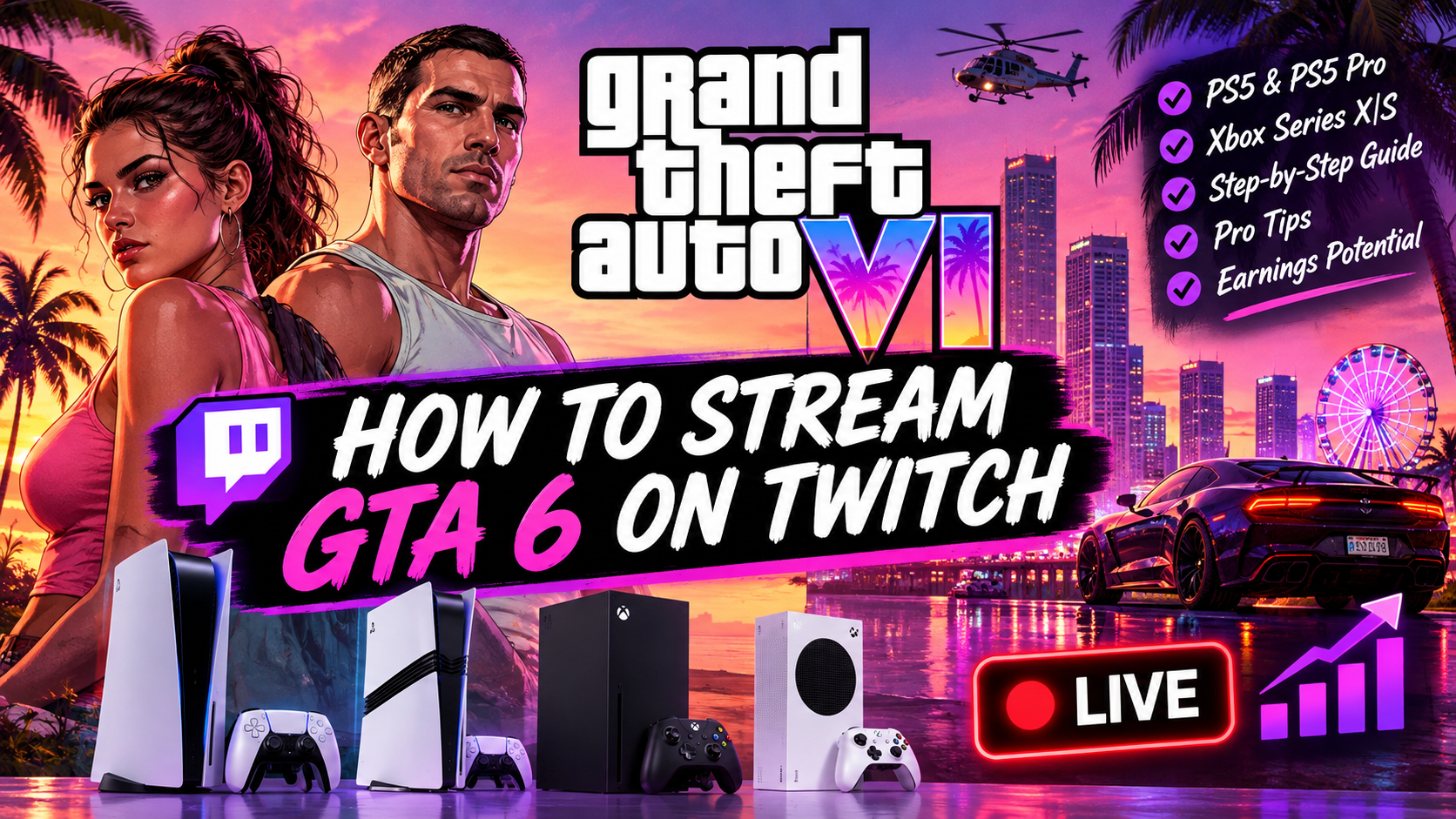
Want to stream GTA 6 on Twitch but don't have a gaming PC? No problem. You can broadcast directly from your PlayStation 5 or Xbox console without buying an expensive capture card or building a complicated streaming setup.
Grand Theft Auto VI has arrived, and the streaming numbers are absolutely insane.
Whether you're exploring Vice City as Jason and Lucia, discovering hidden locations, completing missions, causing chaos, or trying to build the next big GTA streaming channel, there's never been a better time to start broadcasting.
And here's the best part: if you already own a PS5, PS5 Pro, Xbox Series X, or Xbox Series S, you already have most of what you need.
This guide walks you through exactly how to stream GTA 6 on Twitch, configure your console, improve your stream quality, and potentially turn your gaming sessions into a source of income.
1. Why GTA 6 is a massive opportunity for Twitch streamers
Before getting into the setup, let's look at why so many creators are jumping into GTA 6.
According to Streams Charts, GTA 6 generated some of the biggest livestreaming numbers ever recorded during its launch.
Here are some of the headline statistics from its first 24 hours:
| Streaming statistic | GTA 6 launch |
|---|---|
| Total hours watched | 125.47 million |
| Peak concurrent viewers | 7.91 million |
| Twitch peak viewers | 3.31 million |
| YouTube peak viewers | 3.22 million |
| Kick peak viewers | 1.50 million |
| Twitch hours watched | 52.3 million |
| YouTube hours watched | 44 million |
| Kick hours watched | 27.8 million |
That's more than 125 million hours of people watching other people play a video game in a single day.
And the opportunity isn't limited to the biggest streamers.
Streams Charts also reported that Twitch saw a 33% increase in unique channels going live during the first two days of the launch compared with the preceding two days.
In other words, thousands of creators wanted a piece of the GTA 6 audience.
The question is: how do you join them?
2. How to stream GTA 6 on PlayStation 5 and PS5 Pro
<subsection>What you'll need:</subsection>
-
PlayStation 5 or PlayStation 5 Pro
-
GTA 6 installed on your console
-
A Twitch account
-
A stable internet connection
-
A headset or microphone (recommended)
-
Optional: PlayStation HD Camera
The PS5 and PS5 Pro use the same basic broadcasting process. You don't need a separate streaming computer or capture card to get started.
Step 1: Connect your Twitch account
-
Turn on your PlayStation 5.
-
Navigate to Settings.
-
Find Users and Accounts.
-
Select Link with Other Services.
-
Select Twitch.
-
Follow the on-screen instructions to connect your Twitch account.
You can also link your Twitch account the first time you attempt to broadcast.
Make sure Twitch two-factor authentication is enabled if prompted.
Step 2: Launch GTA 6
Once your Twitch account is connected:
-
Open GTA 6.
-
Load your character or start your gameplay session.
-
Press the Create button on your DualSense controller.
-
Select Broadcast.
-
Choose Twitch as your streaming destination.
Step 3: Customize your stream
Before going live, you'll be able to enter your broadcast information.
Some things to configure:
-
Stream title: Give viewers a reason to click.
-
Microphone: Enable your headset or microphone.
-
Camera: Add a PlayStation HD Camera if you want viewers to see your reactions.
-
Party audio: Decide whether to include your friends' voices.
-
Broadcast overlays: Configure available chat and activity overlays.
Example Twitch stream titles:
-
GTA 6 FIRST PLAYTHROUGH! Exploring Vice City LIVE
-
Can We Survive a 5-Star Wanted Level?
-
GTA 6 Secrets, Easter Eggs & Hidden Locations
-
First 10 Hours of GTA 6 – Let's Cause Chaos!
Step 4: Go live!
Once everything is configured, select Go Live.
Congratulations! You're now streaming GTA 6 directly from your PlayStation 5.
You can monitor your broadcast, viewers, microphone, camera, chat overlays, and other broadcast options through the PS5 control center.
Pro tip: The native PS5 broadcasting feature is perfect for beginners, but it has limitations. If you want custom alerts, animated overlays, transitions, and more advanced production features, consider using a capture card and OBS Studio on a separate computer.
3. How to stream GTA 6 on Xbox Series X and Xbox Series S
<subsection>What you'll need:</subsection>
-
Xbox Series X or Xbox Series S
-
GTA 6 installed
-
Twitch account
-
Stable internet connection
-
Headset or microphone (recommended)
The Xbox Series X and Series S also support native broadcasting, meaning you don't need a gaming PC to get started.
One important distinction: the Twitch app on Xbox is primarily for watching streams. To broadcast your gameplay, use Xbox's built-in live-streaming functionality.
Step 1: Set up your Twitch account
-
Create or log into your Twitch account.
-
Make sure your account is ready for broadcasting.
-
Open your Xbox console.
-
Make sure your console is connected to the internet and updated.
Step 2: Open the Xbox broadcasting menu
-
Press the Xbox button on your controller.
-
Navigate to Capture & Share.
-
Select Live streaming.
-
Follow the on-screen instructions to connect your streaming account and configure your broadcast.
Step 3: Configure your stream
Before starting, review the available broadcast settings.
Depending on your setup and available options, configure:
-
Stream title and broadcast details.
-
Microphone and headset audio.
-
Camera settings, if supported.
-
Game audio.
-
Available stream quality and broadcast controls.
Step 4: Start broadcasting GTA 6
-
Launch GTA 6.
-
Open the Xbox guide.
-
Navigate to Capture & Share.
-
Select Live streaming.
-
Confirm your broadcast settings.
-
Start your stream.
You're now broadcasting GTA 6 gameplay to your Twitch audience!
Important: Xbox broadcasting options and supported settings can vary by console software, account, region, and streaming configuration. If you want custom scenes, overlays, and advanced production controls, consider using a compatible cloud broadcasting service or a capture card connected to a PC.
4. Which console is best for streaming GTA 6?
If you're deciding between the four consoles, here's a quick comparison.
| Console | Twitch streaming | Best for |
|---|---|---|
| PS5 | Built-in broadcast | Easy setup |
| PS5 Pro | Built-in broadcast | Enhanced gaming performance |
| Xbox Series X | Built-in live streaming | Xbox ecosystem |
| Xbox Series S | Built-in live streaming | Lower-cost entry |
All four consoles let you get started without purchasing a capture card.
Rockstar lists GTA 6 for PlayStation 5 and Xbox Series X|S. The PS5 Pro falls within the PS5 platform family.
If you already own one of these consoles, there's no reason to purchase another one just to start streaming.
5. What equipment do you need to improve your GTA 6 Twitch stream?
You can start streaming with just your console, but a few inexpensive upgrades can make a big difference.
Here are some things worth considering.
Headset and microphone
<subsection>Recommended priority: High</subsection>
Viewers want to hear your reactions, commentary, and conversations.
A headset with a decent microphone is one of the easiest ways to improve your broadcast.
Webcam
<subsection>Recommended priority: Medium</subsection>
Face cams can help viewers connect with you, especially during funny moments, unexpected missions, and intense gameplay.
You don't necessarily need an expensive camera to get started.
Capture card
<subsection>Recommended priority: Optional</subsection>
If you want to use OBS, add custom overlays, display alerts, or stream to multiple platforms, a capture card can connect your console to a separate streaming computer.
It's not necessary for beginners using native console broadcasting.
Lighting
<subsection>Recommended priority: Medium</subsection>
If you're using a face cam, good lighting can improve your video quality more than buying an expensive camera.
A simple ring light or desk light can make a noticeable difference.
6. What internet speed do you need to stream GTA 6?
A smooth stream is more important than pushing the highest possible resolution.
Twitch recommends that broadcasters maintain upload bandwidth approximately 30% above their chosen streaming bitrate.
For example, if you're streaming at 6 Mbps, aim for at least 8 Mbps of available upload speed.
Here are some practical targets:
| Streaming quality | Suggested upload target |
|---|---|
| 720p at 30 FPS | 5–6 Mbps |
| 720p at 60 FPS | 6–8 Mbps |
| 1080p at 30 FPS | 6–8 Mbps |
| 1080p at 60 FPS | 8–10 Mbps |
These are practical bandwidth targets, not guaranteed console presets. Actual quality and available settings depend on the broadcast platform and console.
A few additional tips:
-
Use an Ethernet connection instead of Wi-Fi when possible.
-
Avoid large downloads while streaming.
-
Close unnecessary applications using your network.
-
Test your upload speed before going live.
-
Monitor your stream for dropped frames and interruptions.
Remember: a stable 720p stream is better than a 1080p stream that constantly buffers.
7. How to get more viewers streaming GTA 6
Here's where things get interesting.
There are thousands of people streaming GTA 6. Simply launching the game and playing through the story may not be enough to stand out.
You need a reason for someone to click on your stream.
Here are five ideas:
1. Create challenges
-
Can you escape a 5-star wanted level?
-
Can you complete missions without using a car?
-
Can you survive an entire session without dying?
-
Can you complete a mission using only one weapon?
2. Explore hidden secrets
GTA games are famous for hidden locations, Easter eggs, strange encounters, and mysteries.
Create streams dedicated to finding things other players might have missed.
3. Let viewers control your decisions
Ask your audience to vote on your next mission, vehicle, or challenge. Use Twitch polls and channel point rewards where available.
4. Turn funny moments into short videos
Don't let your best moments disappear when the stream ends.
Post highlights to:
-
TikTok
-
YouTube Shorts
-
Instagram Reels
-
X
A short clip can introduce thousands of new people to your channel.
5. Build a consistent streaming schedule
Streaming for 12 hours one day and disappearing for two weeks isn't necessarily a great growth strategy.
Pick a schedule you can maintain and give viewers a reason to come back.
8. How much money can you make streaming GTA 6?
Now for the part everyone wants to know.
Can streaming GTA 6 actually make you money?
Yes, but your earnings depend on your audience, monetization eligibility, subscriber count, advertising, Bits, and donations.
Let's look at some hypothetical examples.
Imagine three creators with different channel sizes:
| Metric | Small creator | Growing creator | Established creator |
|---|---|---|---|
| Average viewers | 10 | 50 | 200 |
| Paid subscribers | 10 | 50 | 200 |
| Monthly Bits | 500 | 2,500 | 10,000 |
| Bits revenue | $5 | $25 | $100 |
| Illustrative sub payout | $25 | $125 | $500 |
| Combined example | $30 | $150 | $600 |
For this simplified example, subscription payouts assume $2.50 per paid subscription and Bits pay the creator $0.01 per Bit.
These are illustrative figures, not guaranteed earnings or universal Twitch subscription rates. They exclude advertising, donations, sponsorships, taxes, and other expenses.
The interesting part is that you don't need millions of viewers to start building a monetized channel.
A small but loyal community can create recurring revenue.
And if you're already streaming GTA 6 for fun, understanding how much your audience contributes can help you approach content creation more strategically.
9. Track your GTA 6 streaming earnings with StreamerCalc
If you're serious about growing your Twitch channel, you should understand where your revenue comes from.
That's why we created StreamerCalc.
Our free Twitch earnings calculator helps creators estimate potential revenue from:
-
Tier 1 subscriptions.
-
Tier 2 subscriptions.
-
Tier 3 subscriptions.
-
Prime subscriptions.
-
Bits.
-
Advertising.
-
Donations.
You can enter your current numbers, experiment with different subscriber counts, and see how changes to your channel could affect your estimated monthly earnings.
For example:
What happens if you grow from 25 subscribers to 100?
What if you increase your average viewers and run more ads?
What if your GTA 6 community starts gifting subscriptions?
Instead of guessing, you can calculate different scenarios.
Try the free calculator at StreamerCalc.com.
Final Thoughts: It's Time to Go Live
GTA 6 has already demonstrated how powerful a major gaming release can be for the livestreaming industry.
With 125.47 million hours watched in its first 24 hours and nearly 8 million concurrent viewers across platforms, the game has created an enormous audience for gaming content.
And you don't need a $3,000 gaming PC to participate.
Whether you're using a PlayStation 5, PS5 Pro, Xbox Series X, or Xbox Series S, you can start streaming directly from your console.
Get your Twitch account connected, grab your headset, come up with an interesting stream title, and go live.
You might not become the next IShowSpeed overnight, but every big streaming channel started somewhere.
Now get out there, explore Vice City, and start building your audience.
And don't forget to calculate what your streaming hours could be worth with StreamerCalc.
Estimate your Twitch earnings
Try the free StreamerCalc calculator →